Troubleshooting
Webhook not arriving or rejected
Check signatures, HTTP responses, processing time, and how to resend events after fixing the receiver.
Symptoms
The receiver does not see an event, returns a signature error, or receives the same event multiple times. In the app, a delivery may be waiting for a retry, have failed, or the webhook may have been automatically disabled.
First distinguish “no delivery was created” from “a delivery was sent but the receiver rejected it.” Filters, the webhook owner's permissions, or account scope may prevent an event from being sent at all.
Common causes
| Sign | What to check |
|---|---|
| Signature mismatch | Wrong secret, an old key, or a request body changed before signature verification. |
| Signature timing error | The receiver's clock is off, or the request was processed too late. |
| Timeout | The receiver does too much work before responding. |
| HTTP 4xx | Incorrect address, authentication, or receiving contract; not every 4xx code has the same retry policy. |
| HTTP 5xx | The receiver is failing or overloaded. |
| No delivery | Filters do not match, the webhook is paused, or its owner has lost permissions. |
A webhook request has a 10-second timeout. The receiver should verify the request, save it durably, and return 2xx quickly. Put lengthy business processing in a separate queue.
How to fix
- Open the webhook in Settings.
- Find the delivery corresponding to the missing event.
- Read the error code and each attempt.
- Check the HTTPS URL and whether it is externally accessible.
- Check the secret in use on both sides.
- Verify the signature against the original request body before modifying or re-encoding the JSON.
- Check the
webhook-id,webhook-timestamp, andwebhook-signatureheaders. - Fix the receiver.
- Send a test before reopening the live flow.
- Resend or replay only after the receiver has duplicate handling in place.
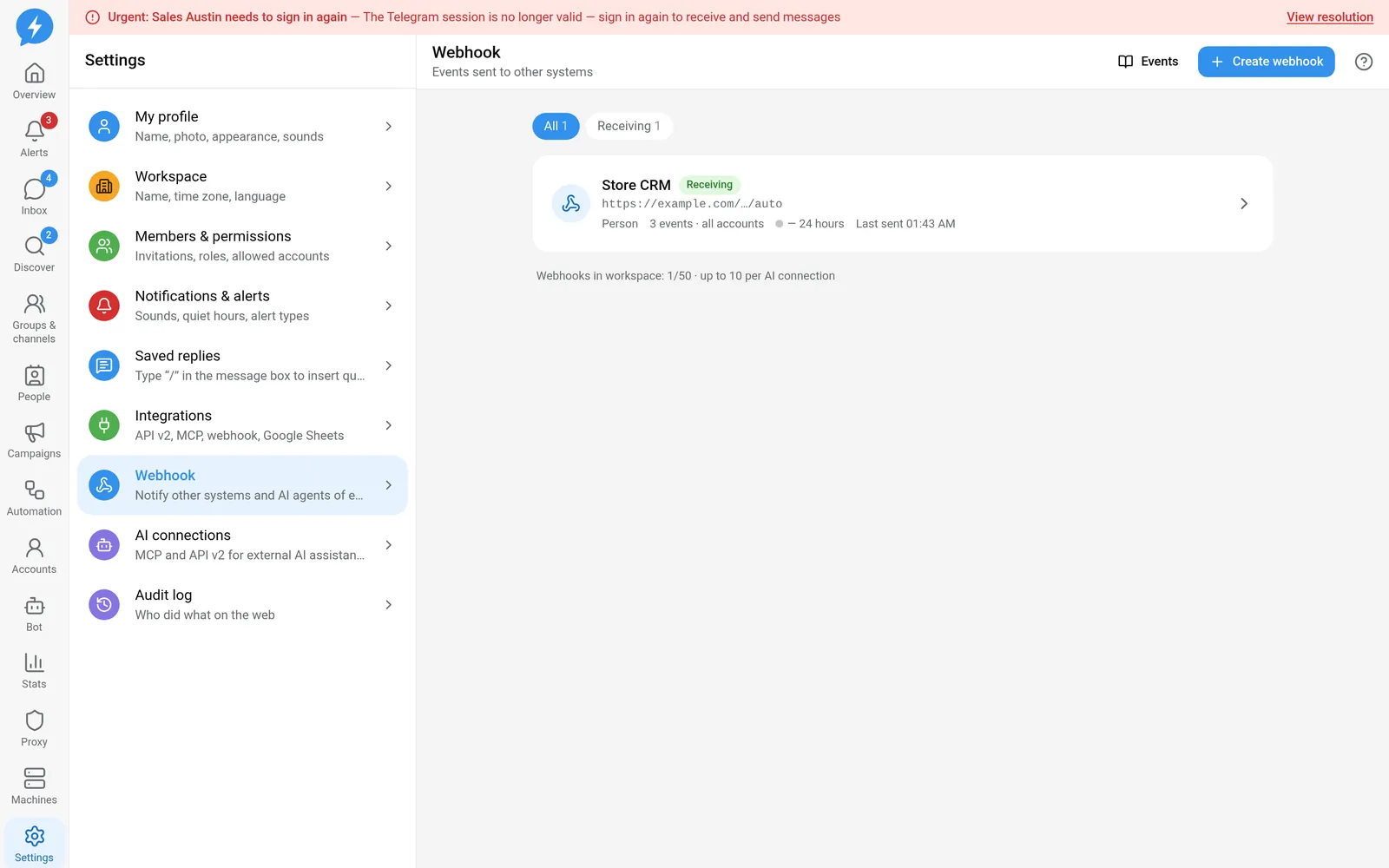
The app automatically disables webhooks when receiver failures persist. HTTP 410 is treated as an address that no longer accepts deliveries. Disabling a webhook does not prove that none of the earlier events were processed by the receiver.
Resending a delivery keeps the same webhook-id. Replaying an event range creates new delivery IDs and marks them replay: true. Do not rely on a new delivery ID alone to conclude that this is a new business action.
If it still fails
Save the webhook ID, delivery ID, time, HTTP status, and error code. Send a response excerpt with secrets hidden. Do not send headers containing authentication details or signing secrets.
If the webhook has no deliveries, check filters and the owner's permissions before checking the network. If HTTP delivery succeeded but the business result is missing, look for errors in the receiver's queue.
See Writing a webhook receiver. You can look up delivery details, MCP webhooks_deliveries_get, or use replay, MCP webhooks_replay.