Concepts
Free and Safe
Understand what each limit mode changes and which safety checks always remain in place.
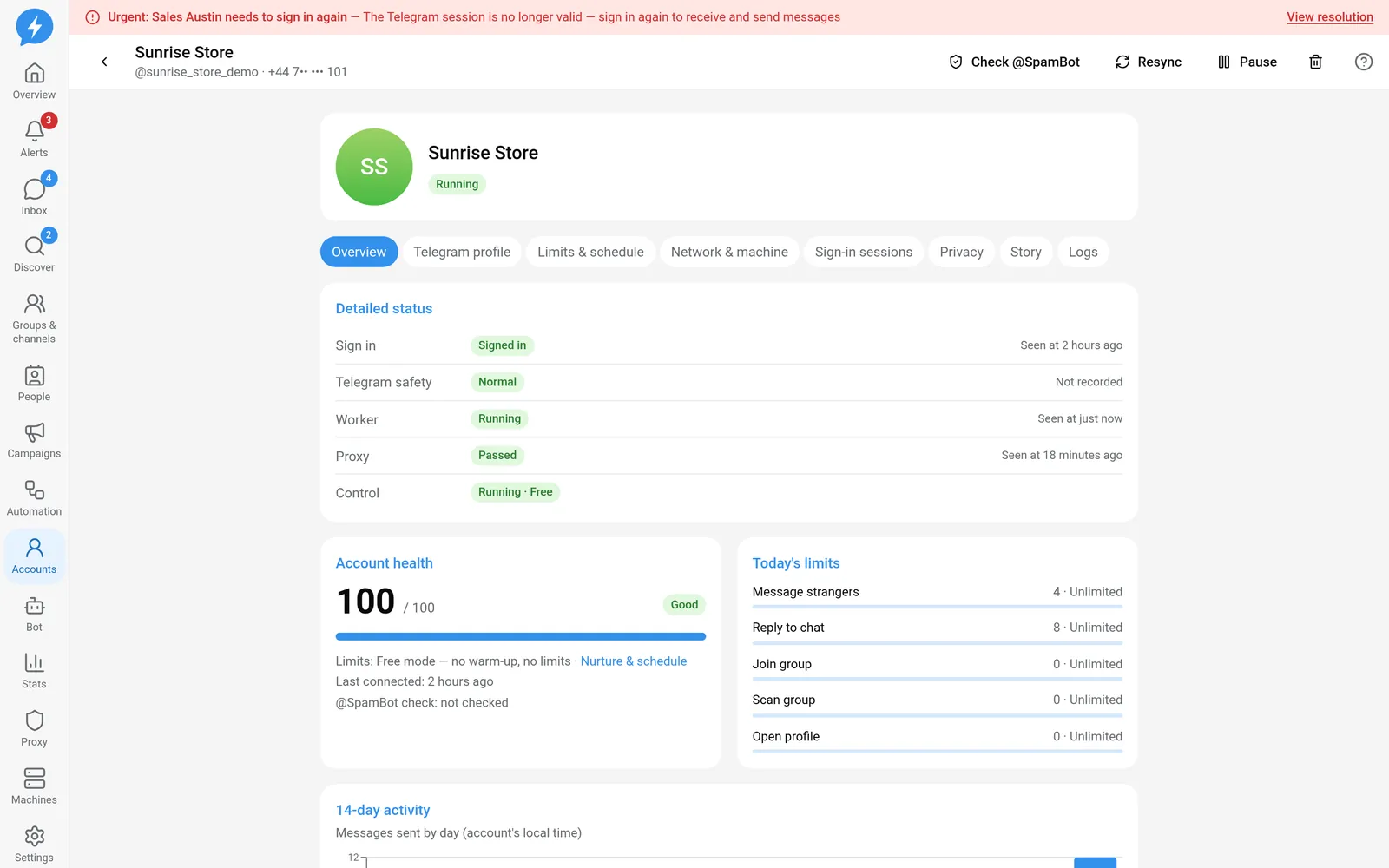
Each account has its own limit mode: Free or Safe. The mode determines default limits, warm-up, and whether schedules apply. It does not determine whether you can ignore Telegram signals.
New accounts default to Free. Check the mode and the values in effect before creating work.
What does each mode keep or omit?
| Mechanism | Free | Safe |
|---|---|---|
| Default limits | No cap unless configured for the workspace or account | Uses baseline limits and configuration layers |
| Warm-up | Not applied | Applied according to the warm-up week |
| Blocking and reduced caps in the first warm-up week | Not applied | Applied |
| Spacing by action group | Defaults to zero unless configured | Based on resolved limits |
| Operating hours, days off, and breaks | Follows the schedule only when Rest hours is enabled | Always follows the schedule |
| Safety state, session, proxy, and machine | Always checked | Always checked |
| Do not contact and recipient conditions | Always checked | Always checked |
“No cap” describes how the app resolves limit configuration. It does not promise that Telegram will allow every action.
What does Rest hours determine?
A single function (followsSchedule) determines whether an account follows operating hours, days off, and random breaks. The safety gate, campaign waiting steps, and nurture schedules all call this same function:
- Safe always follows the schedule.
- Free does not follow the schedule unless Rest hours is enabled.
- Free with Rest hours enabled keeps schedule checks.
- If the mode cannot be determined, the function treats it as Safe.
Following a schedule does not mean every action is held in the same way. Actions declared to run at all times may be exempt from scheduling. Customer replies may be allowed outside operating hours if the account permits them. Days off are considered for outreach. Do not use an out-of-hours reply as evidence that the schedule is not working.
Checks that modes cannot disable
The safety gate still checks the system switch, workspace, worker version, machine connection, proxy, and Telegram session. A paused account, an unsuitable safety state, or an action with side effects already in progress may cause new work to wait.
FLOOD_WAIT still requires waiting. When an account is Slowed down, Free does not skip throttling. The limit resolver uses the Safe baseline with the slowdown multiplier so that this measure actually takes effect.
The do-not-contact list, conversation locks, and recipient conditions also remain in place.
Change one account or several accounts
For one account, change the configuration in Accounts, in that account’s limits tab. See Set limits and operating schedules.
For multiple accounts, use Nurture & schedule or a configuration pack in Automation to apply a policy to the selected accounts. Check the account scope and review each account after applying it.
Changing modes does not clear usage, fix a broken proxy, or restore a sign-in session.